

Yards & availability
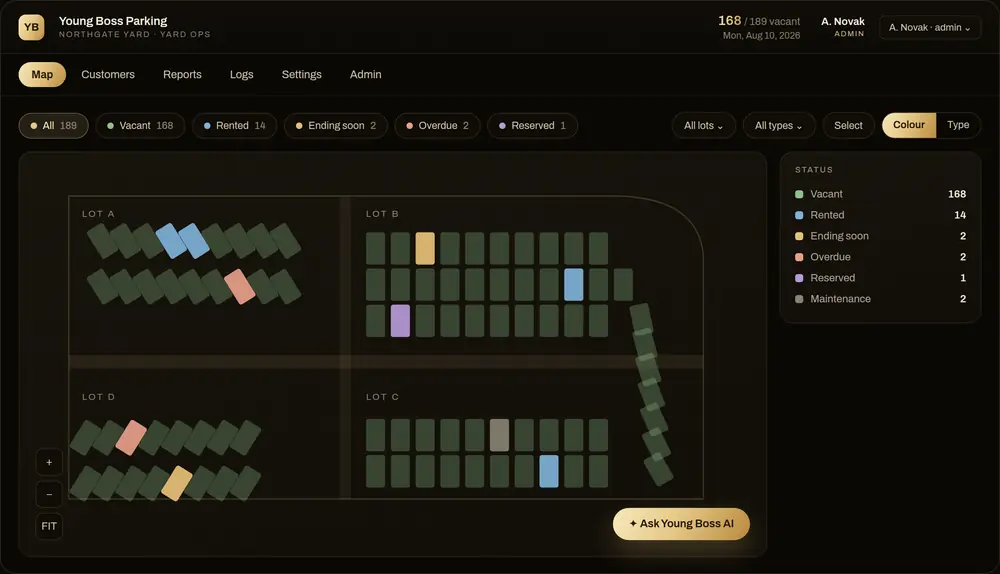
Organize spots and lots, track availability and review rental status across configured locations.
Truck Yard Parking Management Software
Spots, customers, payments and reports in one place. Custom software for yard operators and trucking companies managing one or multiple locations.

Explore the existing product screens. The records shown are examples; your yard layout, fields and access are configured during setup.
Keep operational records connected to the spots, customers and staff involved.
Organize spots and lots, track availability and review rental status across configured locations.
Keep contact details, assigned spaces and the custom operational fields your company needs.
Track payments and outstanding balances. Recurring payments depend on your agreed payment-provider setup.
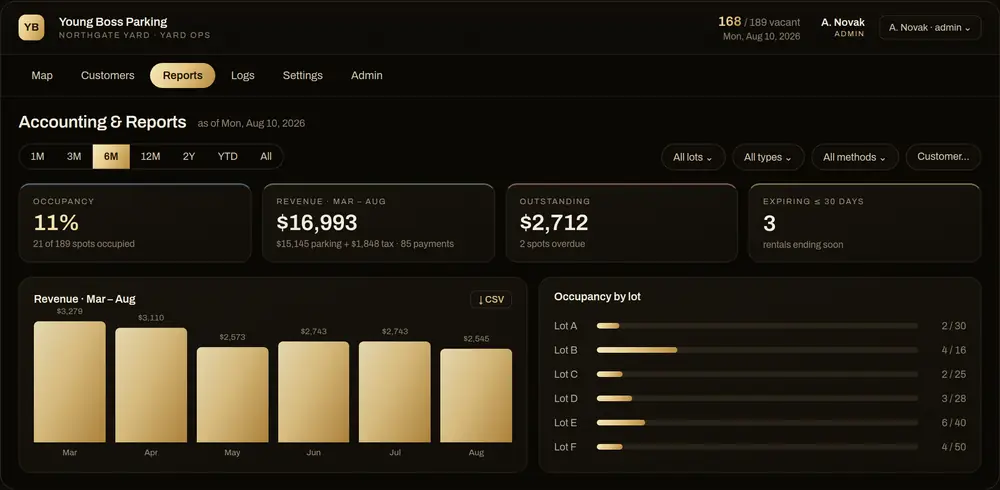
Review occupancy and financial reports, with parking charges and tax separated using the applicable configuration.
Give each employee a login, set permissions and record actions for clearer accountability.
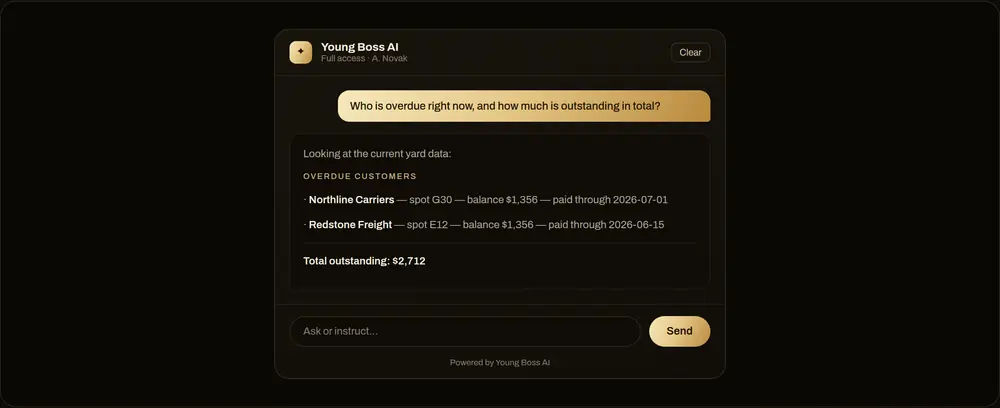
Plan reminders, email or SMS workflows and AI-assisted reporting around the scope and tools you choose.
A parking management company and a trucking company need different records. The software can be tailored to each operation.
Driver details, licence information, insurance details, internal notes, spot types and reporting requirements can be scoped around your workflow.
Yards, spots, vehicles and assignments
Customers, drivers and required documents
Rates, billing cycles and staff permissions
Reports, notifications and activity history
We review your operation before quoting. Yard count, customizations, integrations and ongoing requirements affect the proposal.
Your proposal defines the included work, ongoing fees and any payment-provider or messaging costs. Larger changes are quoted separately.
Get a clear sense of what to expect.
Yes. Multiple lots and locations can be included in your deployment. We scope the yard count, access and reporting requirements with you.
Yes. Driver, vehicle, licence, insurance and other operations fields can be tailored to your company. We agree the fields and document-handling requirements before building.
Recurring payments can be included with a supported payment provider and an agreed setup. Recording a cash, cheque or e-transfer payment is different from processing that payment automatically.
Tax calculations and summaries are configured for the applicable location and business requirements. A single 13% rate does not apply across all of Canada.
Yes. Individual logins, roles and permissions are configured around responsibilities. The exact access rules are reviewed as part of your setup.
It is browser-based and can be accessed from supported phones, tablets and computers. We review your team’s device and workflow needs during the walkthrough.
Technical support, agreed minor changes and applying cybersecurity best practices. New modules, major changes and integrations are quoted separately. The proposal defines the scope and ongoing fee.
Pricing and timing depend on your yard count, records, workflows and integrations. The walkthrough helps us prepare an accurate proposal that separates initial setup from ongoing support.
Tell us about your spots, locations and billing process. We will focus the walkthrough on what matters to your operation.